Flashcards
How to make flashcards from a PDF — without copying every paragraph
Turn lecture PDFs into useful flashcards: choose a section, write focused questions, check AI answers and build a review routine in Prepin Quiz.
1. Start with a section, not the entire textbook
To make flashcards from a PDF, choose a manageable chapter or lecture, identify the ideas you need to know, turn those ideas into questions, and check every answer against the original. AI can help with the first draft, but the review is still your job.
Before generating anything, look at the learning objectives or syllabus. Prioritise definitions, differences between similar ideas, steps in a process and formulas you are expected to use. A decorative page, reference list or long introductory passage rarely needs its own card.
Keep the source open while you work. If a PDF is scanned or a diagram contains tiny labels, check that the important text has been read correctly. A clean-looking answer is not proof that the extraction was accurate.
2. Give each card one clear task
A prompt such as ‘Explain cell biology’ is hard to answer and harder to mark honestly. Ask one specific question instead. If the answer needs several separate facts, split it into several cards.
Write enough context that the question makes sense outside the document. ‘What does it do?’ will be confusing next week. ‘What is the main function of a mitochondrion?’ is much easier to review. Keep the answer concise, and save longer explanations for your notes.
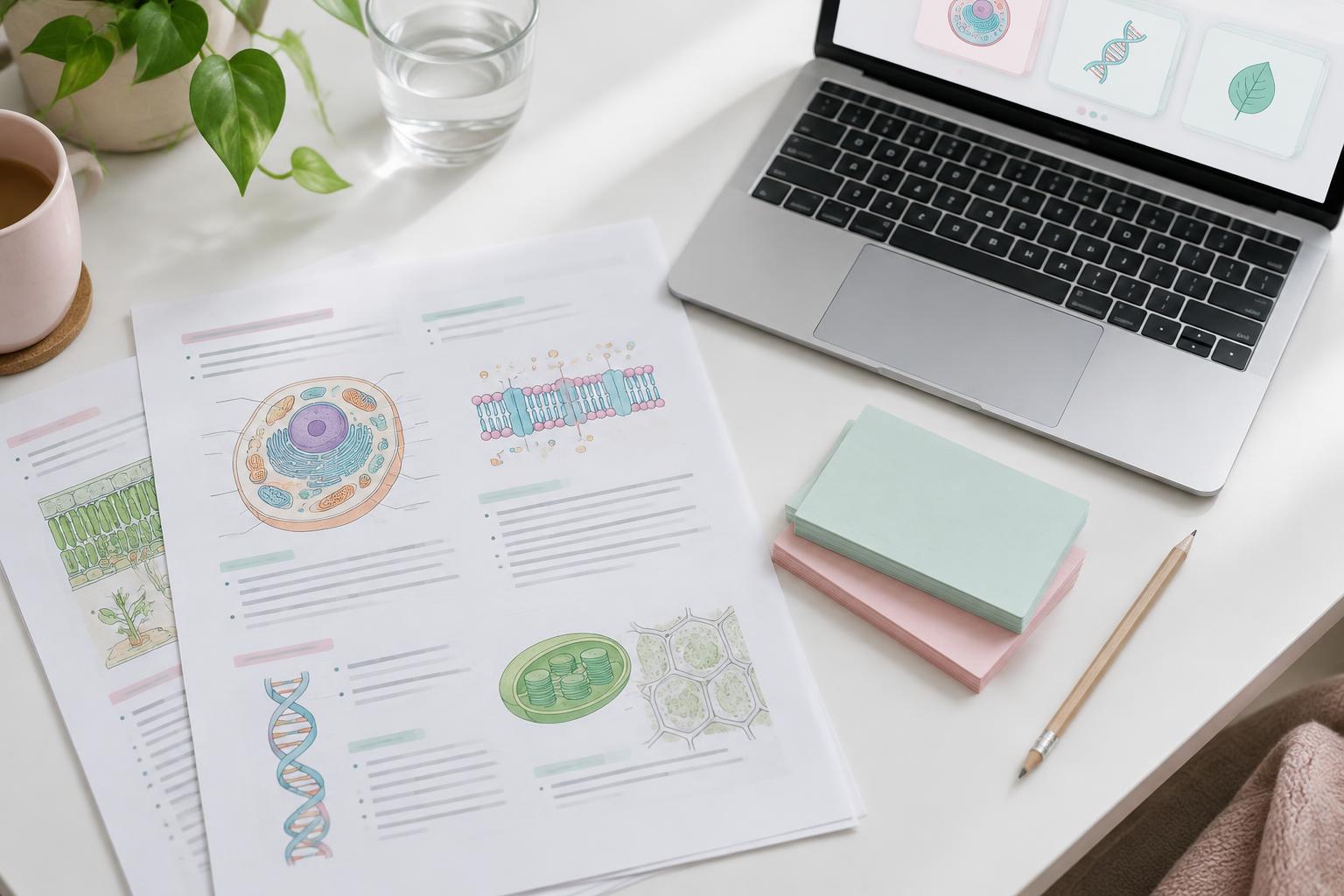
Use different prompts for different goals. Definitions suit question-and-answer cards. Processes may need a sequence of steps. Diagrams can benefit from an image and a focused question about one visible structure. For calculations, practise applying the formula as well as remembering it.
A focused biology card
What is the main function of mitochondria in a eukaryotic cell?
Answer
They produce most of the cell’s ATP through cellular respiration.
3. Build a topic-based deck in Prepin Quiz
In Prepin Quiz, create a Study Hub for the subject and add your PDF as a material. Let the material finish processing, then use the build action to organise it into topics and generate study resources. A hub keeps related notes, decks and quizzes together rather than leaving you with one unlabelled collection.
Open the generated deck and compare the cards with the PDF. Correct terminology, missing qualifications and any answer that relies on information the source does not contain. Rename the deck so its subject and topic are clear.
AI generation uses credits; check the displayed cost before confirming. Opening and studying a deck that has already been generated is a different action from asking AI to create more content.
- Create a Study Hub for one subject.
- Upload the PDF and wait for processing to finish.
- Build the topics and generate a deck for the section you need.
- Open the deck, edit unclear cards and remove duplicates.
- Study the checked deck rather than generating more cards immediately.
4. Check quality before you start memorising
Review each card for accuracy, clarity and relevance. Check numbers, dates, units and negative statements especially carefully. If your lecturer uses a specific definition, use that wording where the distinction matters.
Remove cards that repeat the same question with slightly different wording. Add missing ideas from the syllabus manually rather than assuming the generated deck covers the entire exam. AI-generated study material is a draft, not an assessment of what your teacher will test.
Only upload material you have permission to use. Avoid personal records or confidential documents that are not needed for studying.
5. Turn the deck into a review habit
Try to answer before revealing the back. If you recognise the answer only after seeing it, that is not the same as recalling it unaided. Mark the result honestly so your review history reflects what you actually know.
Use Smart Review for scheduled practice, or Swipe for a quick pass: left means you do not know the card, right means you do. Revisit difficult cards, and rewrite questions that repeatedly confuse you.
Pair flashcards with broader questions. A deck helps you retrieve facts, while a quiz or practice problem checks whether you can connect them. The goal is not the largest possible collection of cards; it is a collection you can use and understand.
Sources & further reading
Study examples are illustrative. Adjust them to your course, assessment and available time.
Put it into practice.
Make your own study set, or start with a public deck.