Guides
Which quiz app is best? How to choose a quiz app for your phone
Which quiz app is best for you? Compare what top-rated mobile quiz apps offer for studying, teaching and playing with friends, and what to check before installing.
Start with your goal
| Your goal | Look for |
|---|---|
| Revise for exams | Your own material, flashcards, spaced review |
| Teach a class | Live rooms, join codes, results |
| Play with friends | Quick sharing, leaderboards, timers |
| Learn casually | Public quiz library, short sessions |
What to check on mobile
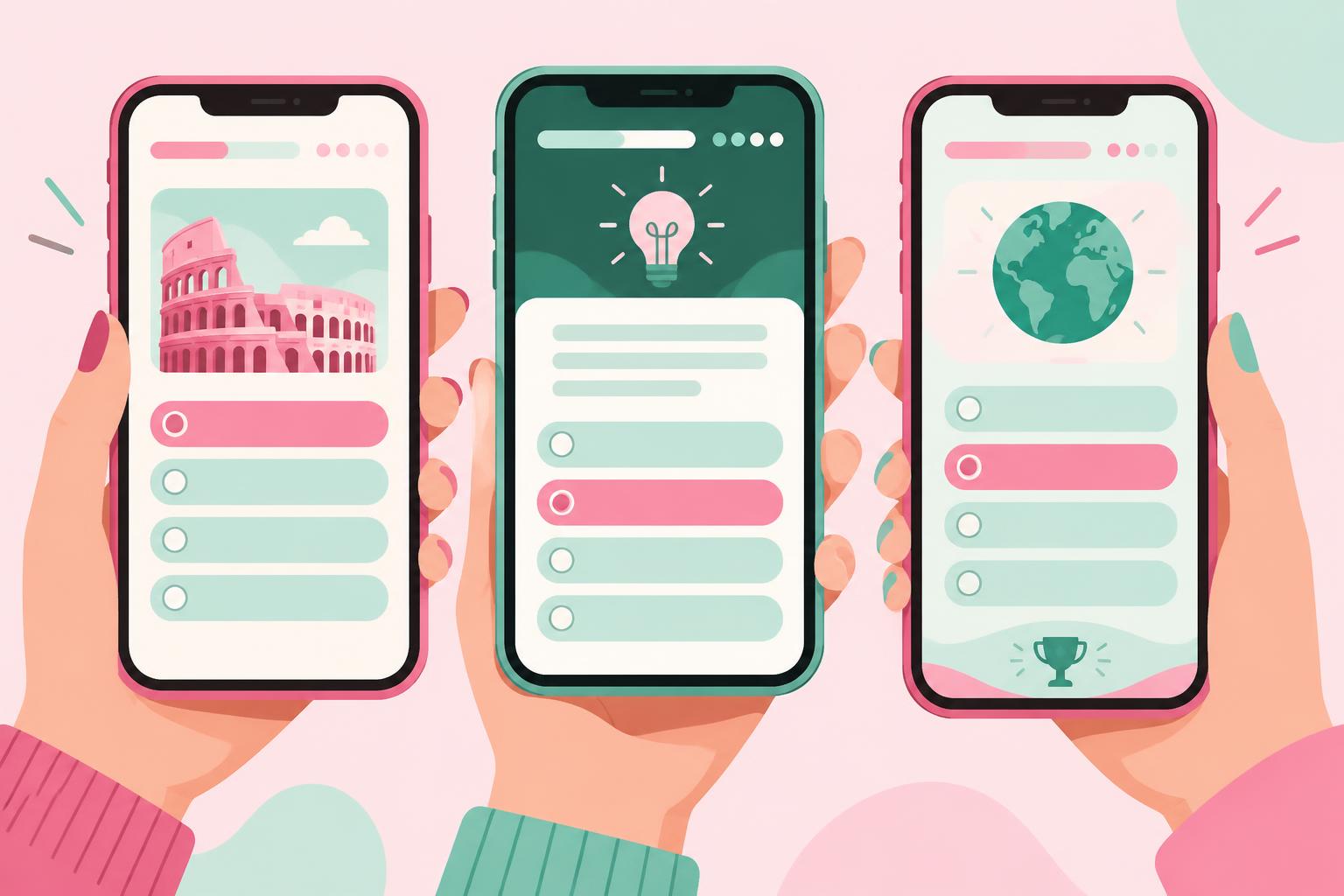
Ratings tell you whether people like an app, not whether it suits your use. Try it for ten minutes and check: can you answer comfortably with one thumb, do long questions scroll cleanly, does it work on a slow connection, and do notifications help rather than nag?
App store app or web app?
Some quiz tools are native apps; others are web apps you can install to your home screen. Installable web apps open full screen like a normal app, update automatically and don't need an app store download. Prepin Quiz works this way on iPhone and Android, with optional push notifications.
Prepin Quiz on your phone
On mobile you can create AI quizzes, study flashcards with swipe gestures, join live rooms with a code and track progress from the dashboard. Bottom navigation keeps Home, Quizzes, Flashcards and Create within thumb reach.
Frequently asked questions
Which quiz app is best for studying?
Choose one that builds quizzes from your own material and includes flashcards with spaced review.
Can I use Prepin Quiz on my phone?
Yes. Open prepinquiz.com in your mobile browser and add it to your home screen to use it like an app.
Are mobile quiz apps free?
Most have a free tier. Prepin Quiz is free to start with 25 AI credits.
Sources & further reading
Study examples are illustrative. Adjust them to your course, assessment and available time.
Put it into practice.
Make your own study set, or start with a public deck.