
Create

Turn YouTube videos, PDFs, notes or any topic into a quiz

Prepin Quiz reads your source — a topic, pasted notes, a PDF, slides or a YouTube link — and writes a ready-to-play quiz with correct answers and short explanations in seconds.

Student taking a quiz on a laptop next to a lecture video and highlighted notes
  • YouTube, PDF, slides, notes or topic
  • Answers + explanations
  • Multiple question types
  • Edit everything after

Why turning material into questions works

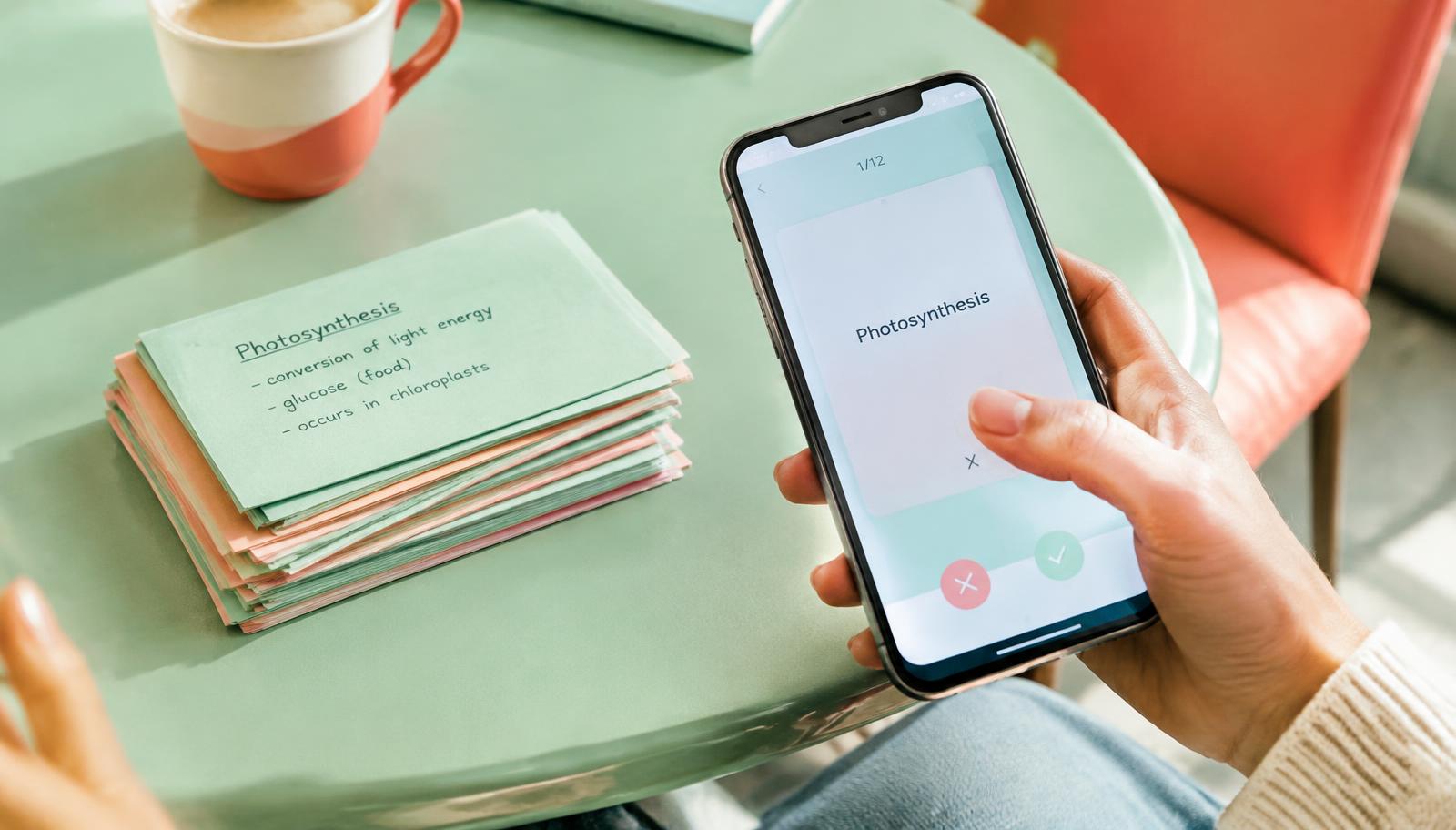
Reading notes again feels productive, but testing yourself is what makes knowledge stick. Researchers call it the testing effect or active recall. The hard part has always been writing good questions — it takes longer than the studying itself.

Prepin Quiz removes that step. It picks out the definitions, facts, cause-and-effect links and ideas that matter in your material and turns them into questions that check understanding, not just word matching.

Every source you already use

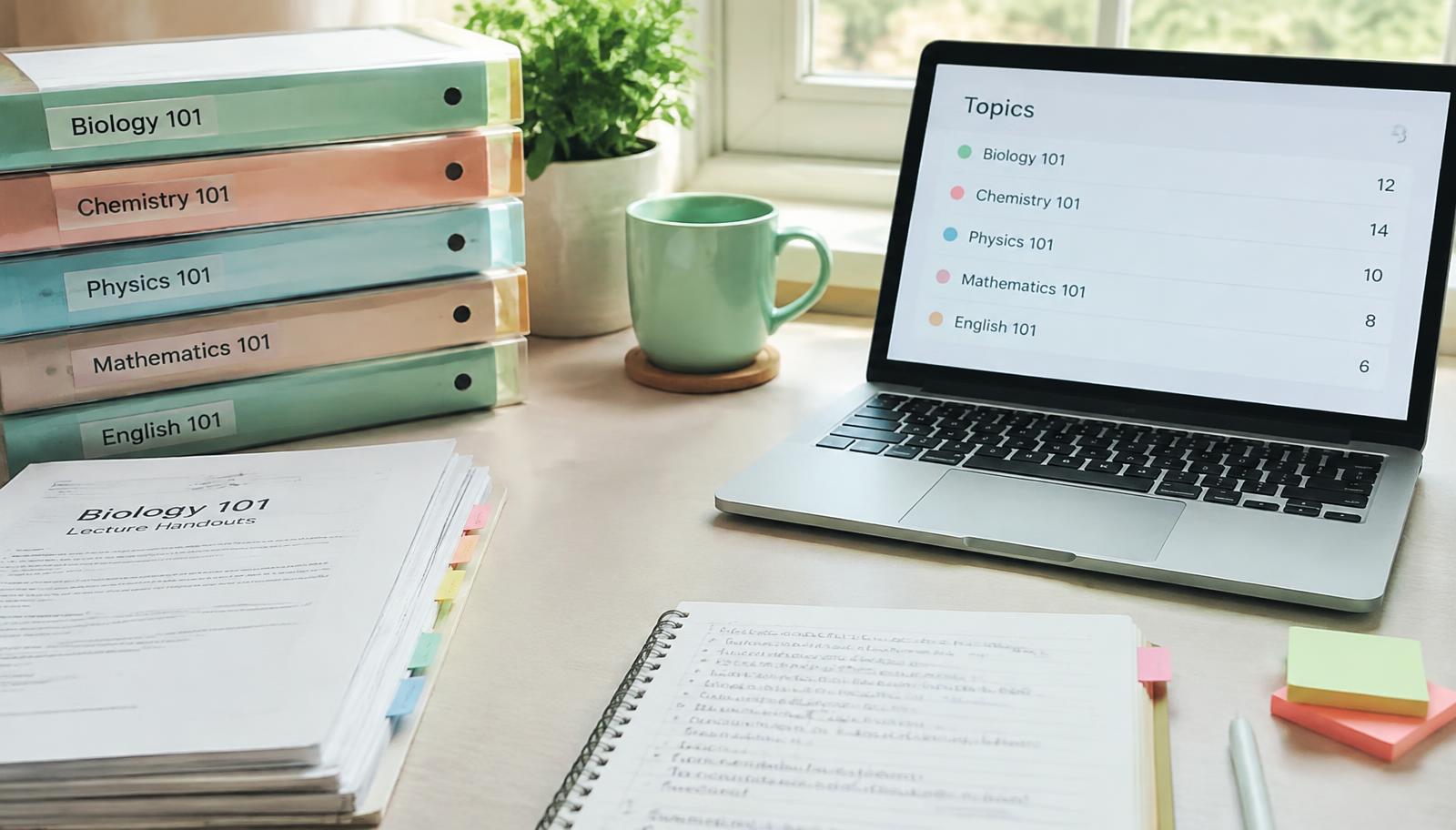
Paste a YouTube link and Prepin works from the video's content. Upload a PDF or PowerPoint, paste lecture notes, or simply type a topic like "causes of World War I". You pick how many questions you want and which types — multiple choice, true/false and more.

Each question comes with the right answer and an explanation, so a wrong answer becomes a quick lesson instead of a dead end.

You stay in control

Generated quizzes open in the same editor you use for hand-written quizzes. Reword a question, change an answer, reorder, add images or write extra questions yourself. Play settings like one-click answering, showing the answer after each question and explanations are all optional.
How it works

  1. 1

    Choose a source

    Topic, notes, PDF, slides or a YouTube link.

  2. 2

    Set the details

    Pick the number and types of questions.

  3. 3

    Generate and review

    Read through, edit anything, add images.

  4. 4

    Play or share

    Practise alone, share a link or host a live room.

Who uses it

Students

Turn a lecture video or slide deck into a practice test the night before an exam.

Teachers

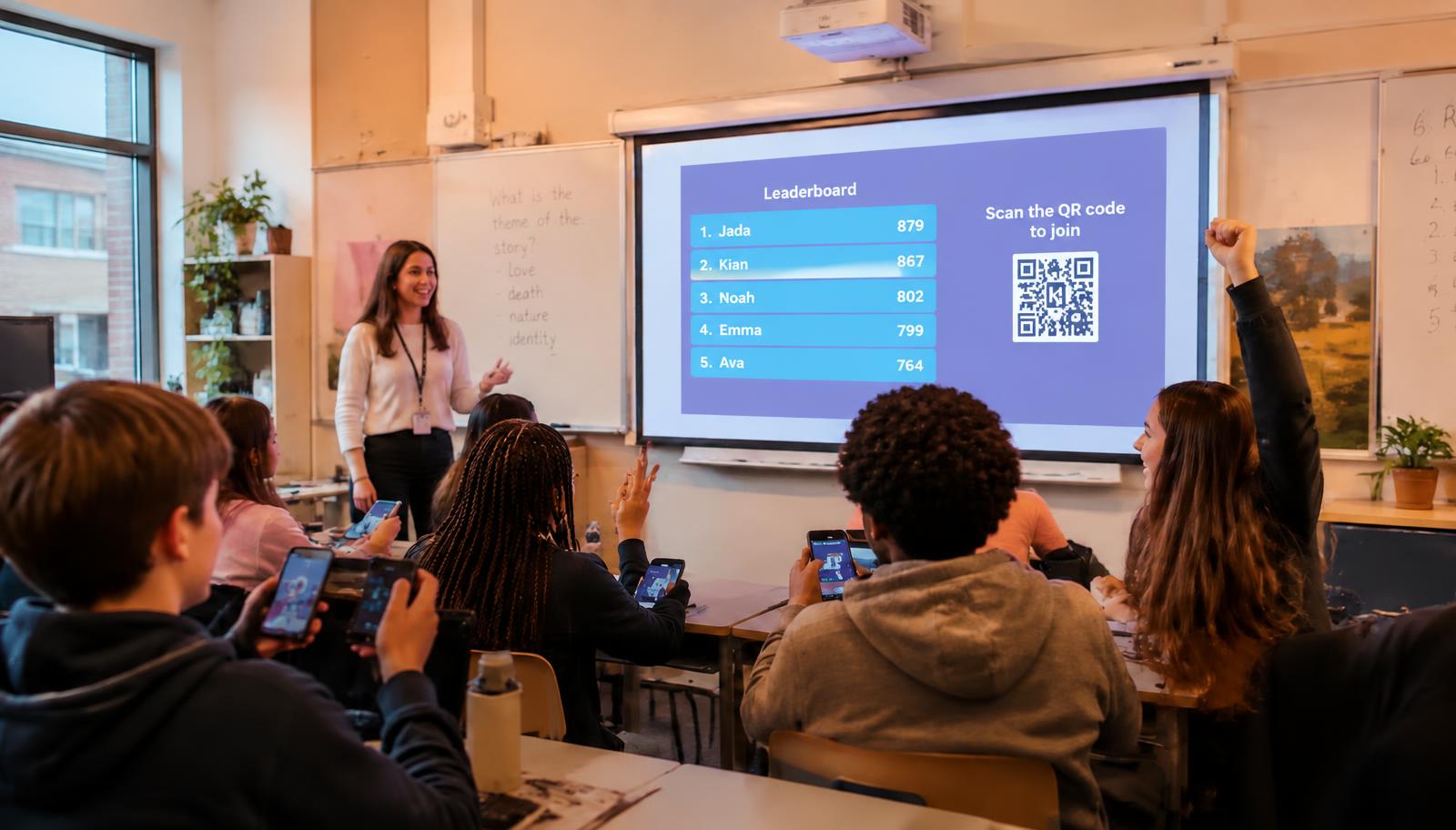
Build a class quiz from your lesson notes in minutes, then run it live.

Trainers

Convert onboarding documents into knowledge checks for new staff.

Questions about AI quiz generator

Can I make a quiz from a YouTube video?+

Yes. Paste the link and Prepin Quiz generates questions, answers and explanations from the video's content.

Can I create a quiz from a PDF or PowerPoint?+

Yes. Upload the file or paste your notes and choose how many questions you want.

Can I edit the AI's questions?+

Yes. Every generated quiz is fully editable, and you can also write questions by hand.

Does generating a quiz cost anything?+

Generation uses AI credits. You start with 25 free credits, no card required.

More features

Try AI quiz generator today

Free to start — 25 AI credits, no card required.

Create your free account