AI quiz generators
How to make a quiz from a PowerPoint with AI
Turn lecture slides into quiz questions with AI. What extracts well from PowerPoint, what doesn't, and how to build a full topic quiz from a slide deck.

Why slides need a little extra care
Lecture slides are written to be spoken over. Bullet points like 'Key factor — see diagram' make sense in the room, but an AI reading the file only sees fragments. The result can be questions that are vague or that guess at missing context.
Speaker notes help a lot. If your lecturer shares them, keep them in the file. If not, add a one-line summary to slides that rely on a diagram.
What extracts well — and what doesn't
| Content | How well AI reads it |
|---|---|
| Titles and bullet text | Very well |
| Speaker notes | Very well, and adds context |
| Text inside images or screenshots | Variable — check carefully |
| Charts and diagrams | Labels may be missed; meaning often lost |
| Animations and embedded video | Ignored |
Step by step in Prepin Quiz
Prepin Quiz accepts PowerPoint files in Study Hubs. Create a hub for the course, drop in your .pptx files, and let the materials process. The build step organises slides into topics and generates a quiz and flashcard deck for each topic, with the credit cost shown before you confirm.
- Create a Study Hub for the module.
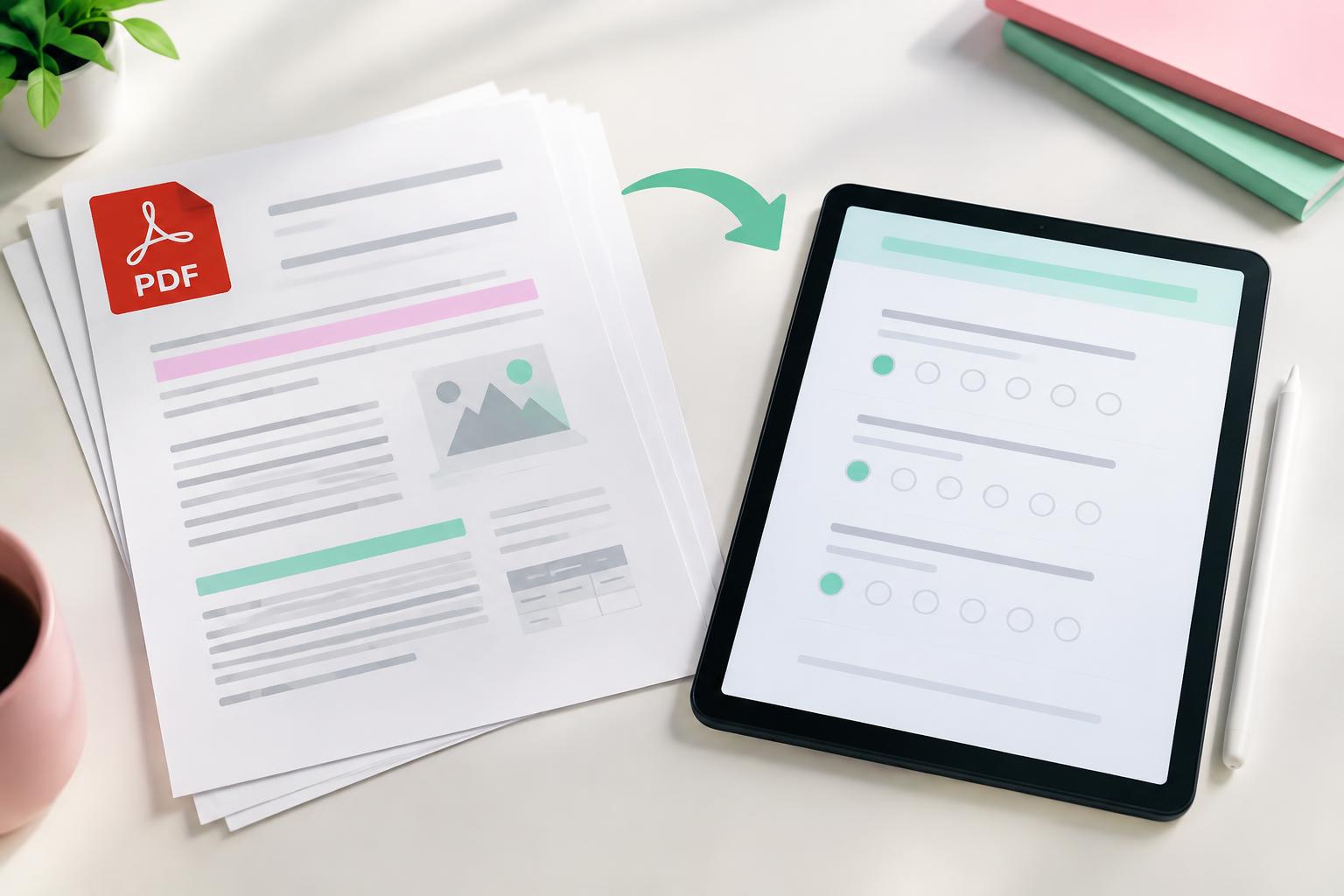
- Drag in your PowerPoint files (Word and PDF work too).
- Wait for processing to finish.
- Build the study kit and confirm the credits shown.
- Open each topic quiz, review and study.
Review checklist for slide-based quizzes
Check any question that refers to a chart or 'the diagram'. Make sure each prompt stands on its own without the slide in front of you. Delete questions about slide housekeeping such as learning objectives or reading lists.
Fixing a slide-based question
Weak: 'What does the graph show?'
Answer
Strong: 'What happens to demand when price rises, assuming other factors stay the same?' — Demand falls.
A tip for teachers
If you already teach from slides, generating a short exit quiz from today's deck takes minutes. Share it as a link or run it as a live room at the end of the lesson to see what landed.
Frequently asked questions
Can AI make a quiz from PowerPoint slides?
Yes. AI reads slide text and speaker notes. Charts and images are less reliable, so review those questions.
Do I need to convert PowerPoint to PDF first?
Not in Prepin Study Hubs — upload the .pptx directly. Converting to PDF also works.
Are Google Slides supported?
Download them as PowerPoint or PDF first, then upload the file.
Sources & further reading
Study examples are illustrative. Adjust them to your course, assessment and available time.
Put it into practice.
Make your own study set, or start with a public deck.