AI quiz generators
AI quiz generator from PDF: a free, step-by-step guide
Turn a PDF into a quiz with AI for free: prepare the file, generate questions, fix extraction errors and study the result with spaced review.
1. Check what kind of PDF you have
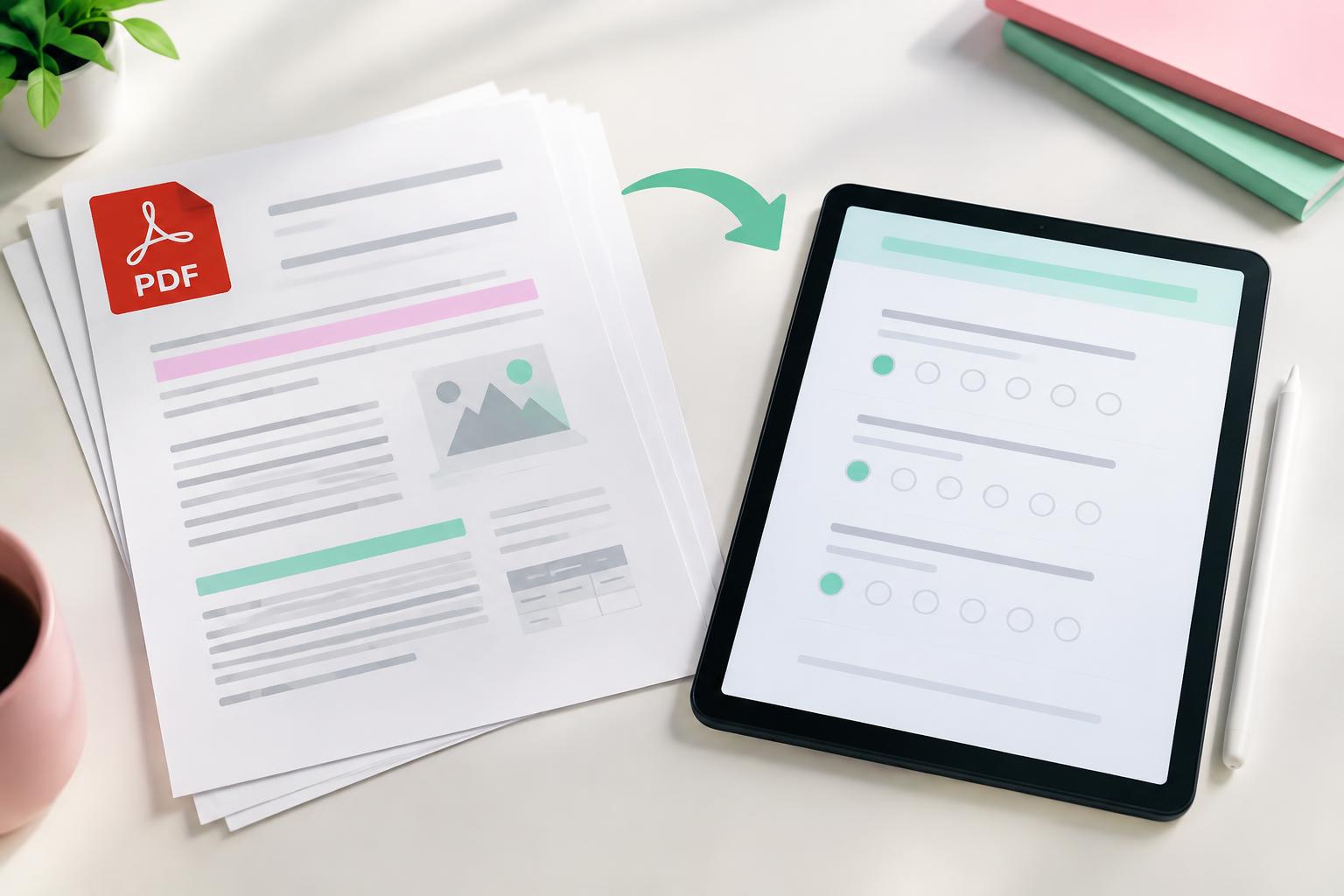
Try selecting a sentence in your PDF. If you can highlight the text, it is a typed PDF and AI will read it reliably. If it behaves like a photo, it is scanned, and the text has to be recognised first — tiny fonts, tables and handwritten notes can come out wrong.
For scanned material, check the generated questions extra carefully, or copy the key pages into notes instead.
2. Trim to the part you need
Upload the chapter or lecture you are revising, not the entire module pack. Remove reference lists and cover pages if you can. A focused 5–20 page file produces questions on what matters.
3. Generate the quiz
In Prepin Quiz, choose Create, select AI generation and upload your PDF. Pick how many questions you want and confirm the credit cost displayed. PDF-based generation uses 10 credits, and new accounts start with 25 free credits — enough to try it at no cost.
- Sign up free and open Create.
- Choose AI quiz and upload the PDF.
- Set the number of questions.
- Confirm the credit cost and generate.
- Review and edit, then play or share.
4. Compare questions to the pages
Keep the PDF open beside the quiz. Check numbers, formulas, units and labels from diagrams — these are where extraction errors appear. If your lecturer uses specific wording for a definition, match it.
Example from a chemistry PDF
What is the pH of a neutral solution at 25°C?
Answer
7. Check the temperature condition is in your source — neutral pH changes with temperature.
5. Got several PDFs? Use a Study Hub
When a course has many lecture PDFs, add them all to a Study Hub. Prepin organises the material into topics and builds a quiz and a flashcard deck for each, so you revise topic by topic instead of one huge mixed quiz.
Only upload files you have the right to use, and leave out personal or confidential documents.
Frequently asked questions
Can I make a quiz from a PDF for free?
Yes. Prepin Quiz gives new accounts 25 free credits, and a PDF quiz uses 10, so you can try it without paying.
Does it work with scanned PDFs?
Often, but accuracy drops with poor scans, tables and handwriting. Review those questions carefully.
How many questions should I generate from one PDF?
Around 10–15 per chapter is a good start. Generate more later for weak areas rather than one huge quiz.
Sources & further reading
- Birmingham City University: active recall and revision
- UNESCO: Guidance for generative AI in education and research
Study examples are illustrative. Adjust them to your course, assessment and available time.
Put it into practice.
Make your own study set, or start with a public deck.