Collaborate

Share quizzes and decks, invite editors, remix in one click

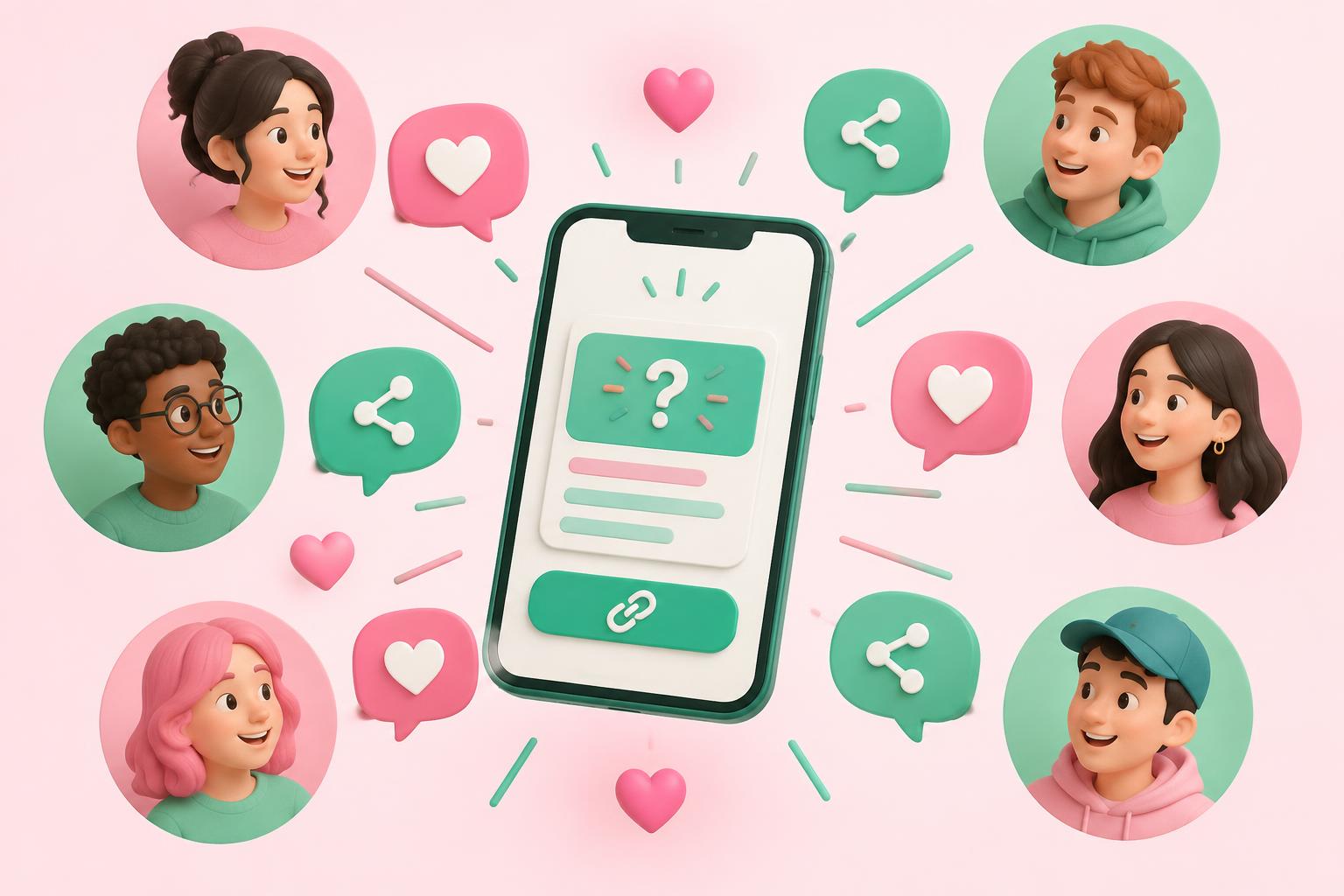
Share any quiz or deck with a link that works without an account, invite collaborators to view or edit, and let others save their own copy (a remix) to customise.

Students sharing a quiz link between phones and a laptop
  • Links work without sign-in
  • View or edit invites
  • One-click remix
  • Explore public quizzes

Share in seconds

Make a quiz or deck public and send the link. Anyone can open and play it — no sign-up wall. If they want to keep it, they save a copy into their own library after signing in, and your original stays untouched.

Work together

Invite colleagues or classmates to view or edit. Only the owner can change visibility and whether copying is allowed, so your content stays under your control. Browse the Explore page for public quizzes made by others.


How it works

  1. 1

    Open sharing

    From any quiz or deck.

  2. 2

    Choose access

    Public link or invite people.

  3. 3

    Send the link

    Works without an account.

  4. 4

    Allow remixing

    Optional copies for others.

Who uses it

Teaching teams

Co-write quizzes across a department.

Study groups

Split the work and share decks with each other.

Questions about Sharing & remixing

Do people need an account to open my link?+

No. Public links open without signing in.

Can collaborators change visibility?+

No. Only the owner controls visibility and copying.

More features

Try Sharing & remixing today

Free to start — 25 AI credits, no card required.

Create your free account